






 English
 Русский
 简体中文
简体中文 한국어
한국어 Tiếng Việt
 Türkçe
 Français
 Deutsch
 Español
 Polski
 繁體中文
繁體中文 日本語
日本語 العربية
 Português (Brasil)
Checking your workspace...
The War Room is unavailable right now. The rest of the site works; try again in a minute.
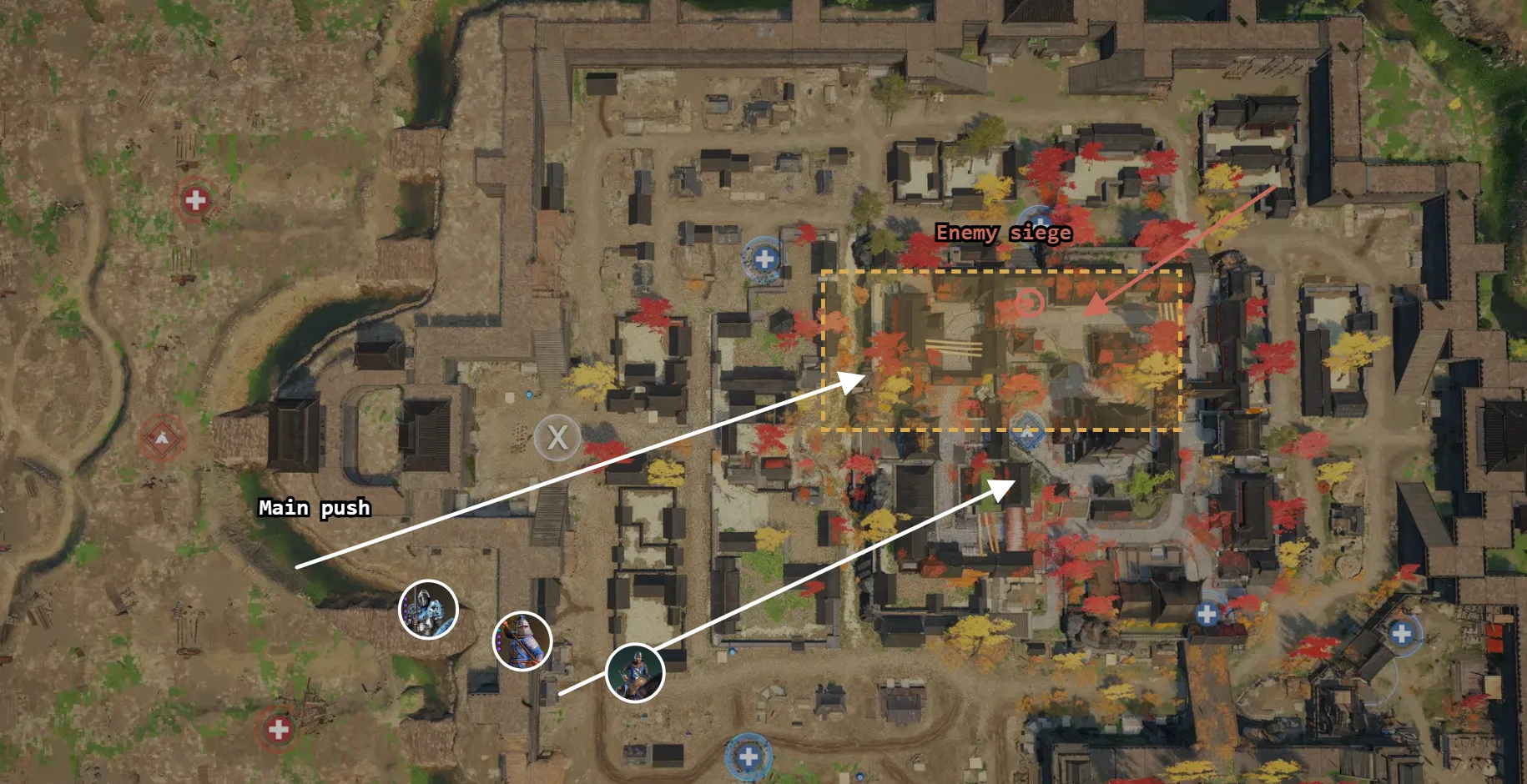
The War Room
Plan your fights on the real map, put every player and unit on it, run sign-ups in Discord and let the bot take attendance from voice.
- Free
- Bot optional
- Houses and tournament teams
One picture for the whole team
Share the plan and its players panel as one picture, or reveal it to your members before the fight.
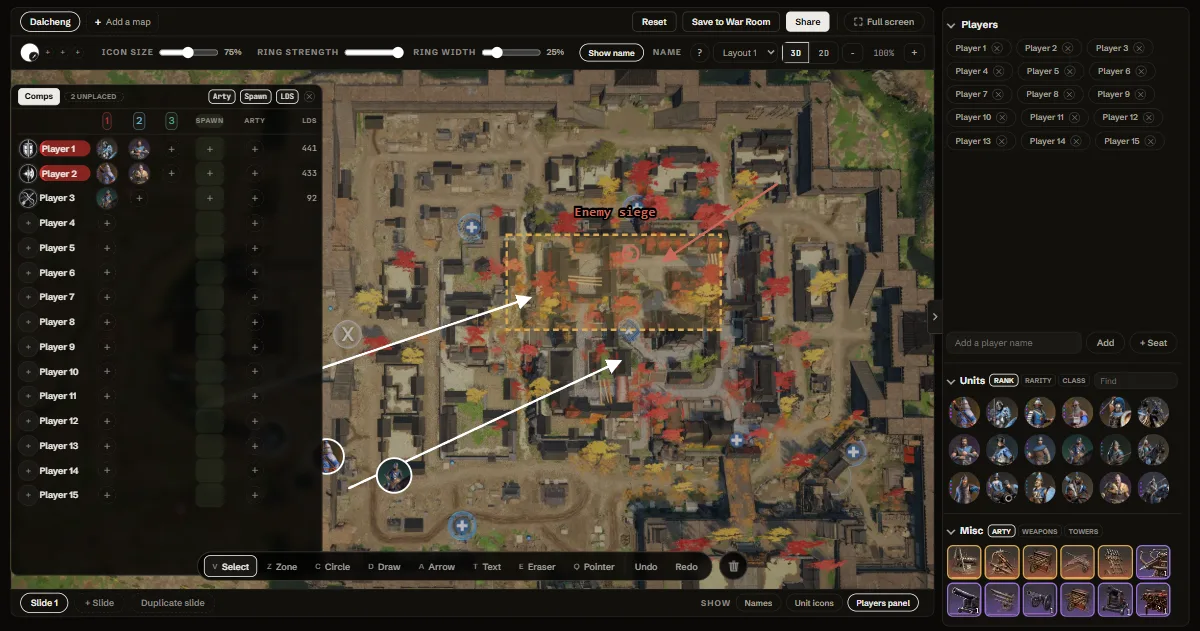
Every player, every unit
Type your 15 names, give each player their units and see the leadership as you build. Drop them on the map only where it matters.
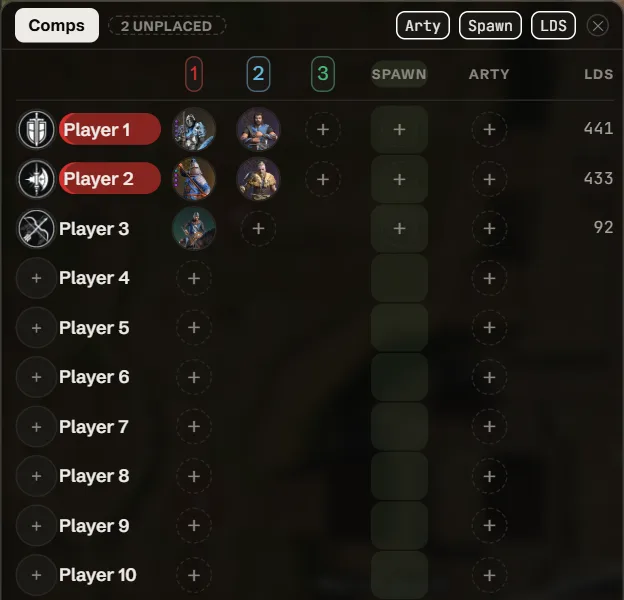
Sign-ups without chasing
Post the fight in your Discord channel. Members answer Yes, Late or No, and reminders go out before it starts.
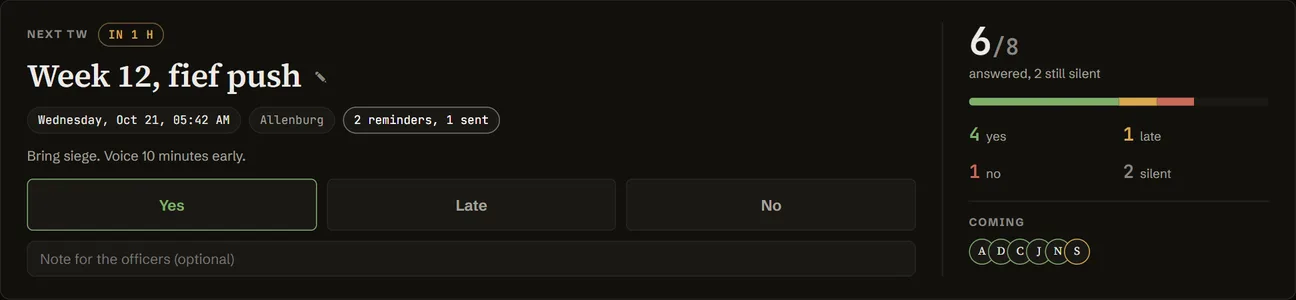
Attendance that takes itself
While the fight runs, the bot checks who is in your Discord voice and marks them. Officers can still change any mark.

Start in a minute
- Sign in with Discord
- Name your house or team
- Send the invite link to your players
Questions
Is it free?
Yes, every part of it.
Do I need the Discord bot?
No. Add it for sign-ups, reminders and attendance in your server. It asks to read and post in channels, ping your role and see who is in voice.
Can I try it without an account?
Yes. The Strategy Maker draws the same plans with no sign-in, and Save to War Room moves a plan into your team later.
Start your War Room
You have been invited
You join as a member. Officers are promoted by the lead.
You are not in a workspace yet.
Set up your War Room
Join with an invite
Paste the invite link, or just the code, that your lead sent you.
What are you setting up?
Name your house
Connect Discord
Turn on Developer Mode in Discord (Settings, Advanced), then right-click and Copy ID.
You are all set
Your War Room is ready.
Home
What needs you now, and what is coming up.
Nothing needs you right now.
Nothing yet. Signups, joins and profile saves land here.
Nothing yet. Your answers land here.
Fights
Each fight has one page: sign-ups, comp, plan, attendance and result.
No fights yet.
Opens when the fight starts.
Roster
Your players, their units and how often they turn up.
Anyone with this link joins as a member. A new link kills the old one.
Your profile
Your units, gear and leadership, so officers can place you.
Your units
No units match. Clear the search or the class pill.
Leaving removes you from the roster and future signups. Your lead can invite you back any time.
Comp
Saved.No upcoming event, and a comp belongs to one.
Read left to right: the unit you spawn with, then your swaps at supply.
Plan
Draw your plan on the real map and give each player their spot.
Nothing by that name.
Draw the plan
A strategy is a drawing on the real map: where each group stands, where they push, and what happens if it goes wrong. Members see it only when you say so.
- Draw the opening on the map, one slide per phase.
- Put your people on it from the rail, so everyone knows their spot.
- Set who sees it, then reveal it before the fight.
The plan is not out yet
⋯
Open this plan to members?


Settings
Auto-rehide is on: a revealed strategy tied to a fight goes dark for members again once that fight ends. The lead can change this under Settings.
Share
Your players and your maps stay. Ctrl+Z brings it back.
Settings
Name, Discord bot and the danger zone. Only the lead sees this.
Connect your Discord server once and the bot posts your fights, reminders and revealed strategies, takes attendance from voice, and can pull your roster from a Discord role.
Invite it with one click. The link already asks for exactly what it needs: View Channel, Send Messages, Embed Links, Mention @everyone, @here and All Roles, and Connect, so it can see who is in voice.
Invite the CBGG botIt opens in a new tab, so nothing you have open here is lost. Pick your server, press Authorize, and your server ID fills in on this page by itself; you can close the Discord tab once it does. Discord also asks to see your name, only used to fill your server in for you. If it does not fill in on its own, right-click your server, Copy ID, and paste it in.
Each box wants an ID, not a name. In Discord, turn on Settings, Advanced, Developer Mode. Then right-click the thing and pick Copy ID at the bottom of the menu.
Every bot post pings this role, and Sync from Discord roles pulls its members. Leave it empty on a shared server.
Then press Test and connect. It checks the bot can see your channel and read your role, then posts a short welcome with your join link so members can start filling in their warbands.
They take over settings, roles, the Discord bot and this section. You stay in the workspace as an officer, so you keep the roster, comp and strategy tools.
Closing deletes this workspace and everything in it: fights, sign-ups, attendance, comps and strategies. Everyone is freed to join or start another one. There is no undo and no export.